


What Are AI Presentation Tools and How Can They Save Your Time in 2025?
Suppose you have to give a presentation—maybe at school, in the office, or even just to impress your mates with something interesting. Now, imagine being able to create stunning slides in minutes without needing to be a design expert. That’s where AI presentation tools step in, revolutionizing the way presentations are made by making the process faster and simpler than ever before.
AI-powered presentation software is having a design assistant within reach. The software uses artificial intelligence to help you make neat-looking slides in a flash. They help you with everything from choosing the right layout to adding groovy animations. You don’t need to spend hours making your slides look neat; the software does it for you.
Why should you use AI tools to design presentations? Well, they save you so much time. You can focus on what you have to say, not how your slides look. And they can even help you make your presentations interactive. With AI, you can add visual effects and animations that will keep your audience interested.
In this blog article, we’re going to discuss 30 of the best AI presentation tools that you can use in 2025. You might be a business person, a student, or just someone who wants to make better presentations, and there’s something for everyone here.
Top 30 AI Presentation Tools for Effortless Slide Design in 2025 (Ranked & Reviewed)

30 Best AI Presentation Tools for Stunning Slides in 2025 [Ranked]
1. Slidebean: Best AI Presentation Tool for Startups and Pitch Decks
Slidebean is an AI presentation builder that’s perfect for startups and pitch decks. It uses AI to help you create professional slides quickly.
Unique Features and Benefits:
- AI slide automation: Slidebean automatically arranges your slides in a clean and professional manner.
- Analytics: You can see how people interact with your presentations, which can help you improve them.
- Templates: They provide a lot of templates that are specific for startups.
Pricing and Best Use Cases:
Beautiful.ai comes with free and paid versions. It’s best suited for startups and anyone who has to create pitch decks.
2. Beautiful. AI: Smart AI Slide Maker for Business and Creative Presentations
Beautiful.ai is a smart AI slide maker for business and creative presentations powered by AI. It is easy to design stunning presentations using it. It uses intelligent AI to suggest layouts and customize them automatically.
Ideal for Business Presentations and Creative Decks:
- Smart layouts:ai will arrange your slides for you, and they will always be gorgeous.
- Collaboration: You can collaborate on presentations with your team members easily.
- Templates: They have templates of different kinds for various presentations.
3. Canva: Drag-and-Drop AI Presentation Tool with Stunning Templates
Canva is a popular design tool that also has AI-powered presentation templates. It is extremely simple to use even if you are not a design expert.
Drag-and-Drop Interface for Easy Slide Construction:
- Drag-and-drop: You can easily add and drag objects on your slides.
- Templates: Canva has thousands of templates for all kinds of presentations.
- Animations: You can add animations to make your slides interactive.
4. Tome AI: ChatGPT-Powered Presentation Solution for Interactive Slides
Tome AI uses ChatGPT to help create engaging and professional-looking slides from text inputs. Just type in what you wish to convey, and Tome AI will automatically create the slides for you.
Features of Interactive Storytelling:
- Text-to-slide: You can convert your text into beautiful slides with Tome AI.
- Interactive elements: You can incorporate interactive elements into your presentations.
- Easy to use: Easy to create presentations even when you’re not a design expert.
5. Zoho Show: Best AI Tool for Team Presentations
Zoho Show is an AI-powered cloud-based presentation software. It is perfect for team collaboration.
Perfect for Team Collaboration and Remote Work:
- Collaboration: You can collaborate with your team in real-time on presentations.
- Cloud-based: Your presentations are stored on the cloud, where you can access them anywhere.
- Templates: Zoho Show offers plenty of templates for different presentation types
6. Powtoon: AI Animated Presentation Maker for Marketing and Education
Powtoon is an AI-based tool for creating animated video presentations. It is ideal for marketing and educational materials.
Ideal for Marketing and Educational Materials:
- Animated videos: With Powtoon, it’s easy to make animated presentations.
- Templates: They offer plenty of templates for different types of videos.
- Voiceover: You can add voiceovers to your videos.
7. SlideDog: AI Software to Combine PDF, PowerPoint, and Video Presentations
SlideDog is an AI software to combine a range of file types into one presentation. It supports PDF, PowerPoint, and video.
Supports PDF, PowerPoint, and Video Combination:
- Merge files: You can combine different file types into one presentation.
- Easy to use: It is simple to present, even if you have mixed file types.
- Smooth transitions: SlideDog will make your transitions smooth.
8. Storydoc: AI Sales and Business Pitch Storytelling Tool
Storydoc is an interactive presentation AI-powered storytelling tool. It is perfect for business and sales pitches.
Perfect for Sales and Business Pitches:
- Interactive presentations: Storydoc lets you create interactive presentations that are engaging.
- Templates: They contain many templates for business and sales pitches.
- Analytics: You get to see how people interact with your presentations.
9. Prezi AI: Visual Storytelling Tool with AI-Powered Slide Zoom
Prezi is a popular non-linear presentation application with AI functionalities. It is ideal for interactive slides and visual storytelling.
Ideal for Visual Storytelling and Interactive Slides:
- Zoomable slides: With Prezi, you can create presentations that zoom in and out.
- Templates: They possess some templates which one can use for different types of presentations.
- Visual storytelling: With Prezi, it’s made simpler to tell your story visually.
10. Presentify AI: Rapid Slide Generator for Business and Education
Presentify AI is an AI-based slide creator for producing professional slides fast. It is great for business and educational presentations.
Perfect for Business and Educational Presentations:
- Quick slides: With Presentify AI, making slides quickly becomes effortless.
- Professional templates: They provide a range of professional templates.
- Easy to use: It’s simple to create slides, even if you’re not a design wizard.
11. PitchGrade – AI Feedback to Make Your Presentations Flawless
PitchGrade is your digital coach, utilizing AI content analysis to refine your presentation content and delivery. It evaluates your slides for effectiveness, impact, and clarity, making it an excellent tool for enhancing presentations with AI.
Key Benefits of PitchGrade’s AI Content Analysis
- AI Content Analysis: Advanced algorithms analyze text and images for recommendations on how to enhance.
- Style and Delivery Feedback: Provides feedback on tone, tempo, and visual appeal.
- Actionable Suggestions: Offers actionable recommendations to enhance presentation effect.
Pricing and Best Use Cases
Ideal for professionals honing presentation skills. Offers subscription plans. https://pitchgrade.com
12. Pitch: Team Collaboration AI Presentation Platform
Pitch is a team collaboration solution with rapid presentation creation and sharing with AI-powered presentation collaboration functionalities.
Distinct Features for Team Collaboration
- Collaboration in Real-Time: Co-authoring on presentations in real-time.
- Intelligent Templates: Access to professionally designed templates.
- Analytics Built-in: Monitoring of performance.
Price and Best Usage Cases
Optimal for any-sized teams. Offers multiple plans. https://pitch.com
13. SlideSpeak AI: Text-to-AI Presentation Creation
SlideSpeak AI converts text inputs into presentation-compatible slides using AI presentation generator technology.
Key Features for Rapid Slide Design
- Text-to-Slide Conversion: Instant text-to-presentation conversion.
- Customizable Templates: Various templates and layouts.
- Easy Editing: Simple interface for slide modifications.
Pricing and Best Use Cases
Best used for rapid presentation design creation. Offers free and paid subscription services. https://slidespeak.co
14. DeckRobot: AI PowerPoint Slide Design
DeckRobot enables PowerPoint slide design automation so users can focus on content, applying AI slide design tooling.
Benefits of Automated PowerPoint Design
- Automated Design: Quick production of professional slides.
- PowerPoint Integration: Seamless integration with PowerPoint.
- Customization Options: Design controls.
Cost and Best Use Cases
Best for PowerPoint users who require efficiency. https://deckrobot.com
15. SlidesAI.io: Google Slides AI Add-On
SlidesAI.io is a Google Slides add-on AI-powered generation, which generates presentations from text prompts.
Key Features for Google Slides Users
- Google Slides Integration: Real-time integration with Google Slides.
- AI-Powered Generation: Generation of slides from text prompts.
- Template Variety: Selection from many templates.
Pricing and Best Use Cases
Best use case for Google Slides users. Free as well as paid versions. https://slidesai.io
16. Gamma AI: AI Chatbot Presentation Creation
Gamma AI uses an AI chatbot interface to create interactive and efficient presentations from text.
Interactive Presentation Creation Features
- AI Chatbot Interface: Conversationally created presentations.
- Text-to-Slide Generation: Automated visual slide generation from text.
- Customizable Designs: Customized slide design.
Pricing and Best Use Cases
Best for interactive presentation creation. Offers trials and subscriptions. https://gamma.app
17. Visme AI: AI Layout and Animation Suggestions
Visme AI includes AI layout suggestions and animation support, varied presentation presentations through distinct design pieces.
Design Upgrade Features
- AI Layout Suggestions: Design proposals.
- Animation Support: Enhancements on slide animations.
- Infographics and Templates: Design component access.
Prices and Optimum Use Cases
Best fit for a wide scope of design needs. Offerings include both free and paid solutions. https://visme.co
18. Presentations.AI: ChatGPT-Powered Presentation Tool
Presentations.AI deploys the use of ChatGPT to facilitate text-to-slide generation for the enhancement of presentation creation by applying AI-based presentation content creation.
ChatGPT-Powered Slide Creation
- ChatGPT Integration: Presentation conversational AI.
- Quick Slide Generation: Fast text-to-slide transformation.
- Customization Options: Tailoring slides.
Pricing and Best Use Cases
Perfect for presentation creation with conversational AI. https://presentations.ai
19. Kroma.ai: AI Presentation Design for Beautiful Decks
Kroma.ai focuses on beautifully designed templates and layouts, with AI design support for great presentations.
Features for Visually Stunning Presentations
- Beautiful Decks: Gorgeous template access.
- AI Design Assistance: Design and layout assistance.
- Easy Customization: Slides customization.
Pricing and Best Use Cases
Most ideal for visually rich presentations. https://kroma.ai
20. Sendsteps AI: AI Interactive Presentation Platform
Sendsteps AI adds interactive features to presentations with AI-powered interactive presentation features.
Interactive Audience Engagement Features
- Interactive Presentations: Interactive polls and quizzes for engaging audiences.
- AI Assistance: Assistance with interactive element creation.
- Real-Time Feedback: Live feedback during presentations.
Pricing and Best Use Cases
Most ideal for engaging audiences. https://www.sendsteps.com
21. Prezent AI: Business Presentation AI Tools
Prezent AI assists professionals in making effective and clear business presentations using AI business presentation tools.
Key Features for Professional Presentations
- Business Focus: Templates designed for business needs.
- AI Assistance: Content and design enrichment.
- Analytics: Presentation performance tracking.
Pricing and Best Use Cases
Best for business professionals. https://prezent.ai
22. Cubo AI: AI-Based Presentation Creation
Cubo AI streamlines presentation creation with the use of AI-driven creation and design support.
Benefits of AI-Based Design
- AI-Driven Creation: Auto-slide generation.
- Design Support: Layout and design support.
- Customization Options: Slides tailoring.
Pricing and Best Use Cases
Best suited for presentation automation. https://www.cubo.ai
23. Flair AI: AI Layout Generation Tool
Flair AI excels in creating beautiful layouts with its AI layout generation feature.
Features for Visual Layout Design
- AI Layout Creation: Auto-layout generation.
- Customization Options: Layout tailoring.
- Easy to Use: Easy-to-use interface.
Pricing and Best Use Cases
Good for automatic creation of layouts.
https://www.flair.ai
24. AirDeck: AI Interactive Presentation Platform
AirDeck enhances presentations with interactive features and multimedia features through the use of an AI interactive presentation platform.
Key Features for Immersive Presentations
- Interactive Functions: Engaging tools that allow interactions from the audience.
- Multimedia Functionality: Audio and video integration.
- Analysis: Presentation performance analysis.
Pricing and Best Practices
Good to create engaging presentations.
https://airdeck.co
25. Zoho Assist AI – AI Remote Presentation Tool
Zoho Assist AI is perfect for remote presentations and support with AI-powered collaboration.
Features for Remote Collaboration
- Remote Presentations: Remote sharing of slides.
- AI Assistance: Remote collaboration assistance.
- Support Features: Remote support features.
Pricing and Best Use Cases
Best for remote teams. https://zoho.com/assist
26. FlowVella: AI Multimedia Presentation App
FlowVella allows interactive and visually rich presentations on devices using an AI multimedia presentation app.
Features for Multimedia Presentations
- Multimedia Integration: Integration of image, video, and PDF.
- Interactive Presentations: Touch navigation.
- Cross-Device Compatibility: Access on various devices.
Pricing and Best Use Cases
Best for sales, marketing, and education. https://flowvella.com
27. Mentimeter AI: AI Interactive Polling Tool
Mentimeter AI enhances audience engagement with live polls, quizzes, and word clouds through an AI interactive polling tool.
Features for Audience Engagement
- Live Polling and Quizzes: Real-time feedback.
- Word Clouds and Q&A: Interaction with the audience.
- Customizable Branding: Personalized branding.
Pricing and Best Use Cases
Ideal for conferences, workshops, and learning. https://mentimeter.com
28. Slidebean Studio: AI Custom Design Services
Slidebean Studio offers professional design assistance for high-level presentations, using AI powered design tools.
Features for Professional Design
- Professional Design Services: Professional design assistance.
- AI-Powered Design Tools: Efficient design workflows.
- Custom Templates and Layouts: Customized presentations.
Pricing and Best Use Cases
Ideal for high-quality, customized presentations. https://slidebean.com/studio
29. Zoho Sprints AI – AI Sprint-Based Presentations
Zoho Sprints uses AI to create sprint-based presentations for agile teams.
Features of Agile Team Collaboration
- Sprint-Based Presentations: Agile sprint cycles.
- Progress Tracking: Monitoring of project progress.
- Team Collaboration: Collaborative teamwork.
Pricing and Best Use Cases
Ideal for project managers and agile teams. https://zoho.com/sprints
30. Smartshow3D: AI 3D Presentation Tool
Smartshow3D creates engaging 3D presentations with multimedia integration, using an AI 3D presentation tool.
Immersive Presentation Features
- 3D Presentation Creation: Immersive 3D effects.
- Multimedia Integration: Image, video, and music integration.
- Customizable Animations: Dynamic animations.
Pricing and Best Use Cases
Best marketing, advertising, and entertainment use. https://smartshow3d.com

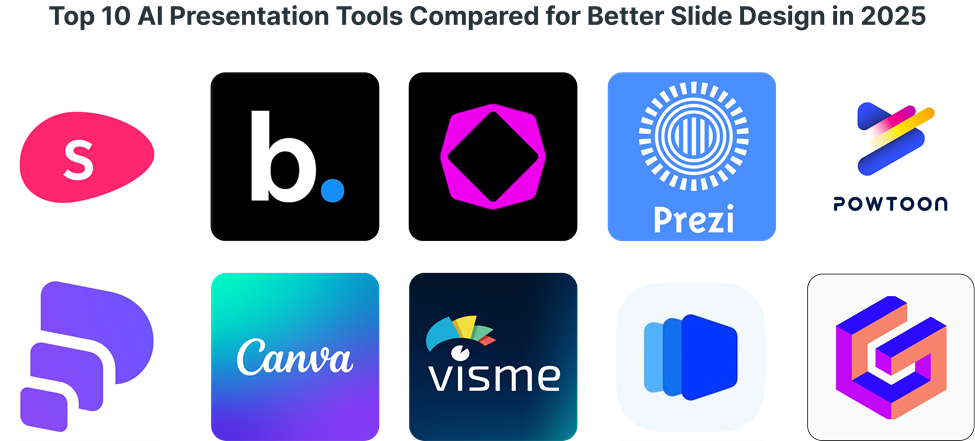
Top 10 AI Presentation Tools Compared for Better Slide Design in 2025
| AI Tool | Best For | Key Features | Pricing |
| Slidebean | Startup pitch decks | AI slide automation, analytics | Free & Paid |
| Beautiful.ai | Business presentations | Smart layouts, collaboration | Paid |
| Canva | Creative slides | Drag-and-drop, animations | Free & Paid |
| Tome AI | Storytelling slides | AI text-to-slide generator | Free Trial |
| Prezi AI | Visual storytelling | Zoomable slides, animations | Paid |
| Visme AI | Business decks | Infographics, templates | Free & Paid |
| Powtoon | Animated slides | Motion graphics, voiceover | Paid |
| SlideSpeak AI | AI-generated slides | Text-to-slide conversion | Free & Paid |
| Gamma AI | AI chatbot slides | GPT-powered content | Free |
| Pitch AI | Startup slides | Real-time collaboration | Paid |
5 Powerful Benefits of Using AI Presentation Tools for Amazing Slides in 2025
1. Save 90% of your time creating slides:
Consider it – no longer wasting hours messing around with layouts and fonts. AI slide automation takes care of design, leaving you to concentrate on what matters most – your content. That is a game-saver, particularly for busy professionals with limited time to create presentations.
2. Get professional designs without a designer:
Let’s face it, not everyone possesses a design eye. AI presentation design templates and automated layout feature give your slides a professional-grade look, even if you are not a graphic designer. You get the benefits of a professionally designed presentation without the hefty price tag.
3. Increase audience interaction with animation and graphics:
AI story-telling is not a catch-all term. The software helps you create highly graphical slides with engaging animations that will engage your audience. Say goodbye to boring, static slides – AI helps you animate your presentations.
4. Get access to pre-designed business, marketing, and educational templates:
Whether you’re pitching a new product or pitching a class, or even pitching quarterly results, there’s a template for it. AI presentation software has numerous templates to choose from, each tailored to an industry and use case. You can get templates for anything ranging from startup pitches to educational slideshows.
5. Improved consistency across all presentations:
Ever had a presentation where the slides looked like they were designed by different people? AI presentation enhancement offers consistency in design, fonts, and layouts, creating a professional and unified look.

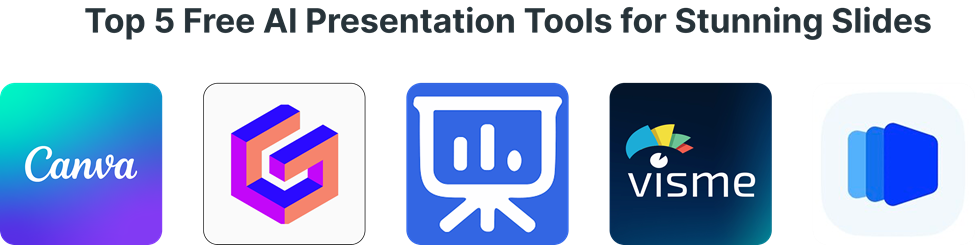
Top 5 Free AI Presentation Tools for Stunning Slides (2025 Edition)
1. Canva: With its generous free plan, Canva offers a vast library of templates and design elements. You can create great presentations with no expenses. Its simplicity and drag-and-drop features make it perfect for beginners.
2. Gamma AI: This tool is special in that it has AI chatbot, allowing you to make presentations through text input. Its free plan is a great way of experimenting with its features and making basic presentations.
3. io: If you’re working with Google Slides, give this add-on a shot. It generates presentations within Google Slides itself, and that makes it really convenient. There are some restrictions in the free version, but it will do the job.
4. Visme (Free): Visme’s free plan allows you to create a few projects with full access to its broad collection of templates and design elements. It is ideal for creating professional-grade presentations without spending money.
5. SlideSpeak AI: SlideSpeak AI is a very useful tool for users who wish to turn text into slides. Its free version allows users to experiment with the utility of the software.
How AI-Powered Presentation Tools Are Changing Slide Design in 2025
AI slide design software is revolutionizing how we create presentations. These tools use machine learning to analyze design principles and create visually appealing slides. They can automatically adjust layouts, choose color schemes, and suggest images, ensuring your presentations look professional.
AI presentation automation saves you time and effort. Instead of manually adjusting each slide, you can let the AI handle the design. This frees you up to focus on your content and delivery.
AI tools for creating presentations are not just about making slides look good. They also help you create more engaging and effective presentations. By using AI, you can add interactive elements, animations, and visuals that keep your audience interested.

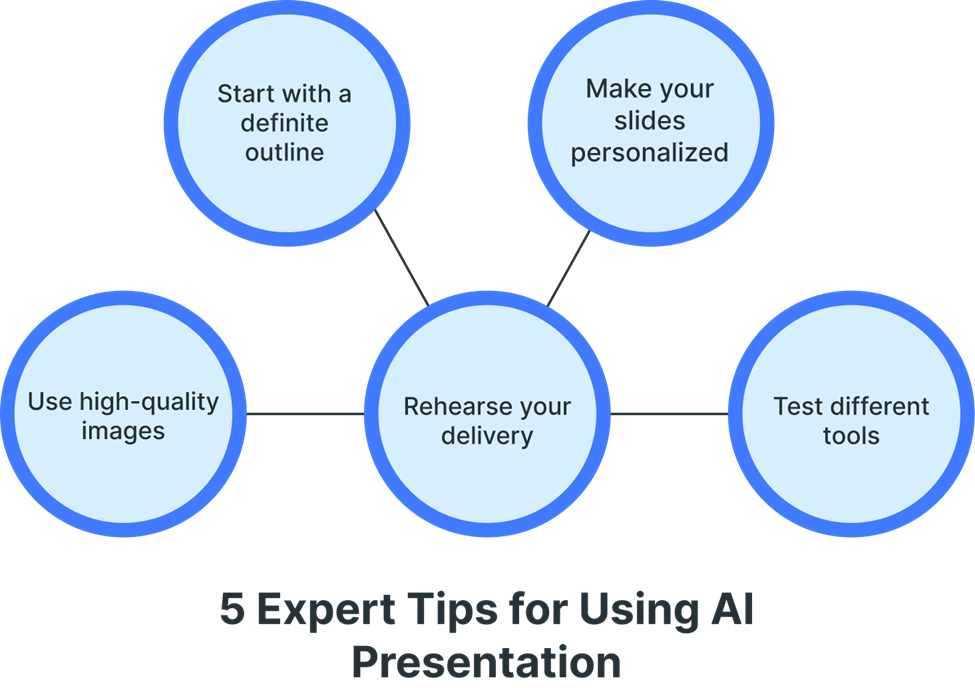
5 Expert Tips for Using AI Presentation Tools to Create Stunning Slides
1. Start with a definite outline: Despite AI, you must have a definite idea of what you want to convey. This will assist you in choosing the right templates and layouts.
2. Make your slides personalized: Don’t rely solely on AI. Include personal touches in your slides. This will make your presentations unique and interesting.
3. Use high-quality images: Images play a significant part in any presentation. Use high-quality images relevant to your content.
4. Rehearse your delivery: No matter how good your slides are, your delivery matters too. Rehearse your presentation so that you feel comfortable and interesting.
5. Test different tools: Experiment with different AI presentation tools to find out which one works best for you. Every tool has its pros and cons.
Conclusion
AI presentation software is changing the face of making presentations. They save time, improve the quality of design, and enhance engagement. You are a businessperson, a student, or just someone who needs to make presentations, and these applications can help you make gorgeous slides in minutes.
In 2025, AI-powered presentations will be even more prevalent. Using these tools, you can stay ahead of the game and create presentations that are not only visually appealing but extremely effective.
We suggest trying tools such as Canva, Gamma AI, and Prezi AI due to their flexibility and easy-to-use interfaces. For those interested in business presentations, Slidebean and Prezent AI are great options. Begin using AI presentation tools today and see the difference for yourself.
CALL TO ACTION
Ready to thrive in the evolving remote work landscape? Explore our expert insights and practical tips to stay ahead in 2025. Visit https://lookingforresume.com/ to unlock your remote work potential today!
FAQ
1. What is the best AI tool for presentation slides?
Beautiful.ai, Tome, and Canva Magic Design are among the top AI tools for creating visually appealing and automated presentation slides.
2. Can I download a Beautiful.ai presentation?
Yes, Beautiful.ai allows you to download presentations in PDF, PowerPoint (PPTX), and image formats, but some features may require a paid plan.
3. Can ChatGPT create slides?
ChatGPT itself does not generate slide designs, but it can help create structured slide content, which can then be used in tools like Canva, Beautiful.ai, or PowerPoint.
4. Which AI tool is best for students?
Grammarly (writing), QuillBot (paraphrasing), Perplexity AI (research), and Canva (presentations) are top AI tools for students to enhance learning and productivity.
5. Which is the No. 1 AI app?
ChatGPT by OpenAI, Google Gemini, and Microsoft Copilot are leading AI apps, widely used for content creation, coding, and automation.
6. Is Canva an AI tool?
Yes, Canva integrates AI-powered features like Magic Write, AI Image Generation, and Background Remover, making it an AI-enhanced design tool.
7. Can AI make a PPT?
Yes, AI tools like Beautiful.ai, Tome, Canva, and Microsoft Copilot can generate automated PowerPoint slides with design and content suggestions.
8. Is Beautiful.ai better than Canva?
Beautiful.ai excels in AI-powered slide automation, while Canva offers more design flexibility and customization. The best choice depends on your needs.