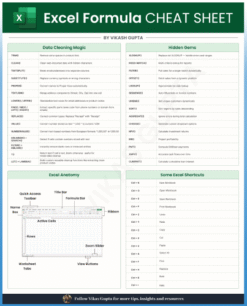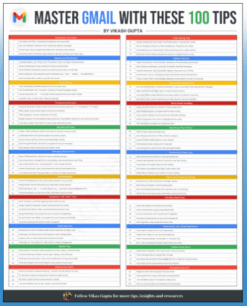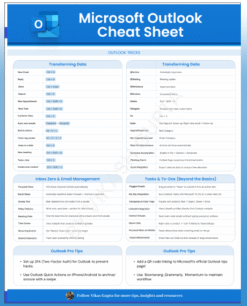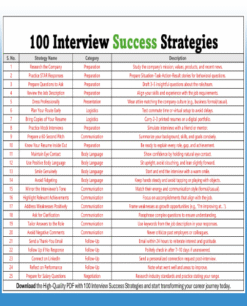
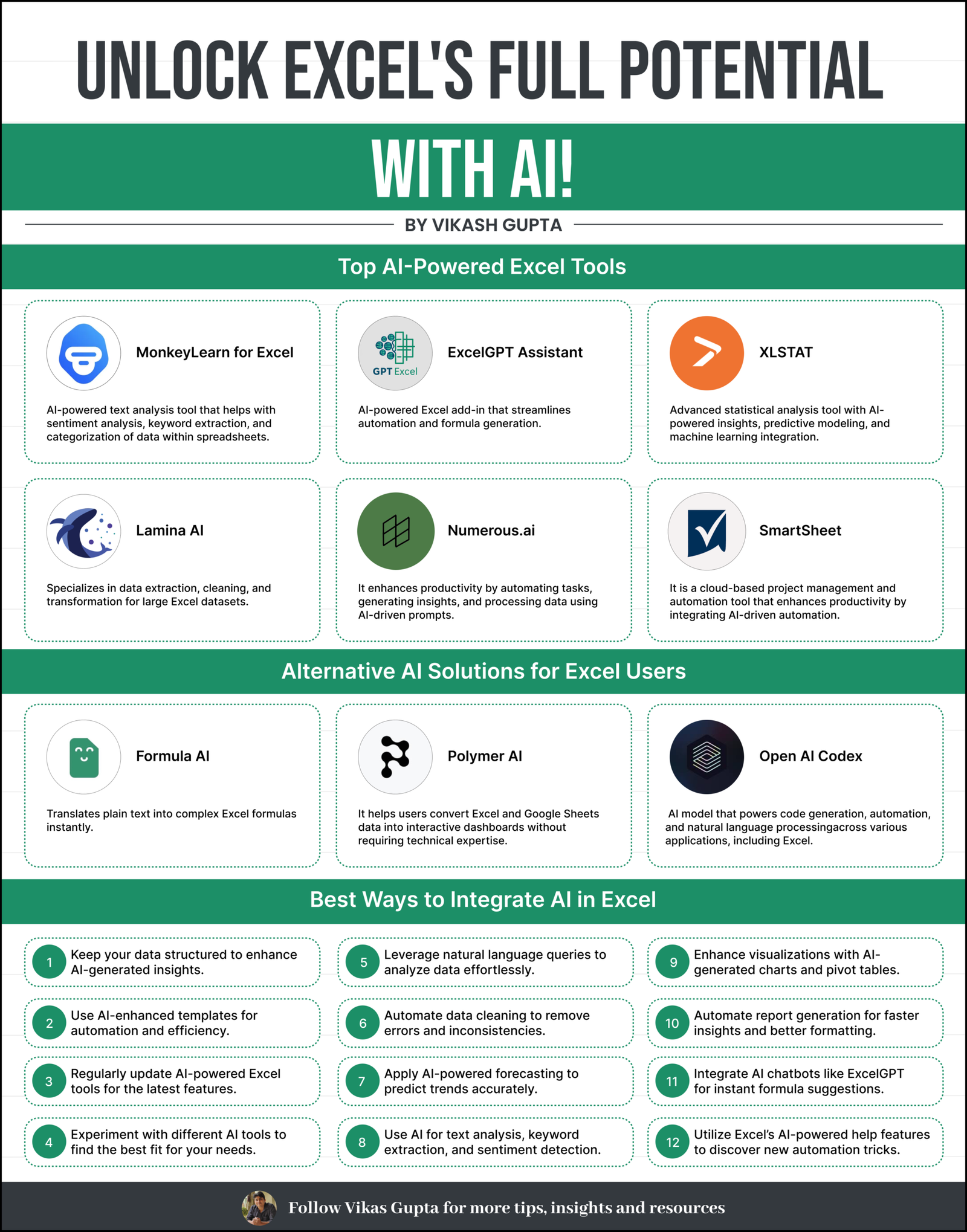
Unlock Excel’s Full Potential With AI is a powerful, easy-to-understand cheat sheet designed for students, job seekers, freshers, professionals, and Excel users who want to elevate their workflow with modern AI tools. This free PDF infographic shows how to automate tasks, analyze data faster, and work smarter using AI.
What This Cheat Sheet Includes
Top AI-Powered Excel Tools
- MonkeyLearn for Excel
- ExcelGPT Assistant
- XLSTAT
- Lamina AI
- Numerous.ai
- SmartSheet
Alternative AI Solutions for Excel Users
- Formula AI
- Polymer AI
- OpenAI Codex
Best Ways to Integrate AI in Excel
- Automate formulas using natural language
- Use AI for text analysis and data cleaning
- Enhance dashboards with AI-generated visuals
- Apply AI forecasting for accurate predictions
- Improve productivity with automation shortcuts
Who Is It For?
- Students & freshers
- Job seekers preparing for interviews
- Working professionals
- Data analysts & business users
- Anyone who wants an easier, smarter way to use Excel
Key Benefits
- Discover the most powerful Excel-focused AI tools
- Learn alternative solutions for smarter workflows
- Understand practical steps to integrate AI into daily tasks
- Improve accuracy, save time, and reduce manual effort
- Upgrade your Excel skills for modern job roles
Format Details
- Format: PDF
- Type: Infographic
- Access: Instant free download
- Device-Friendly: Works on desktop & mobile
Why This Cheat Sheet Is Useful
This resource turns complex AI concepts into simple, scannable visuals that help you:
- Work faster
- Automate repetitive tasks
- Analyze data effortlessly
- Build smarter reports
- Improve Excel confidence instantly
Ideal for everyday work, interview preparation, client reporting, and skill upgrading.